How to Measure a Laptop for a Sleeve or Bag
Content restored from the November 6, 2026 store snapshot. This browsing-only preview does not accept orders or payments.
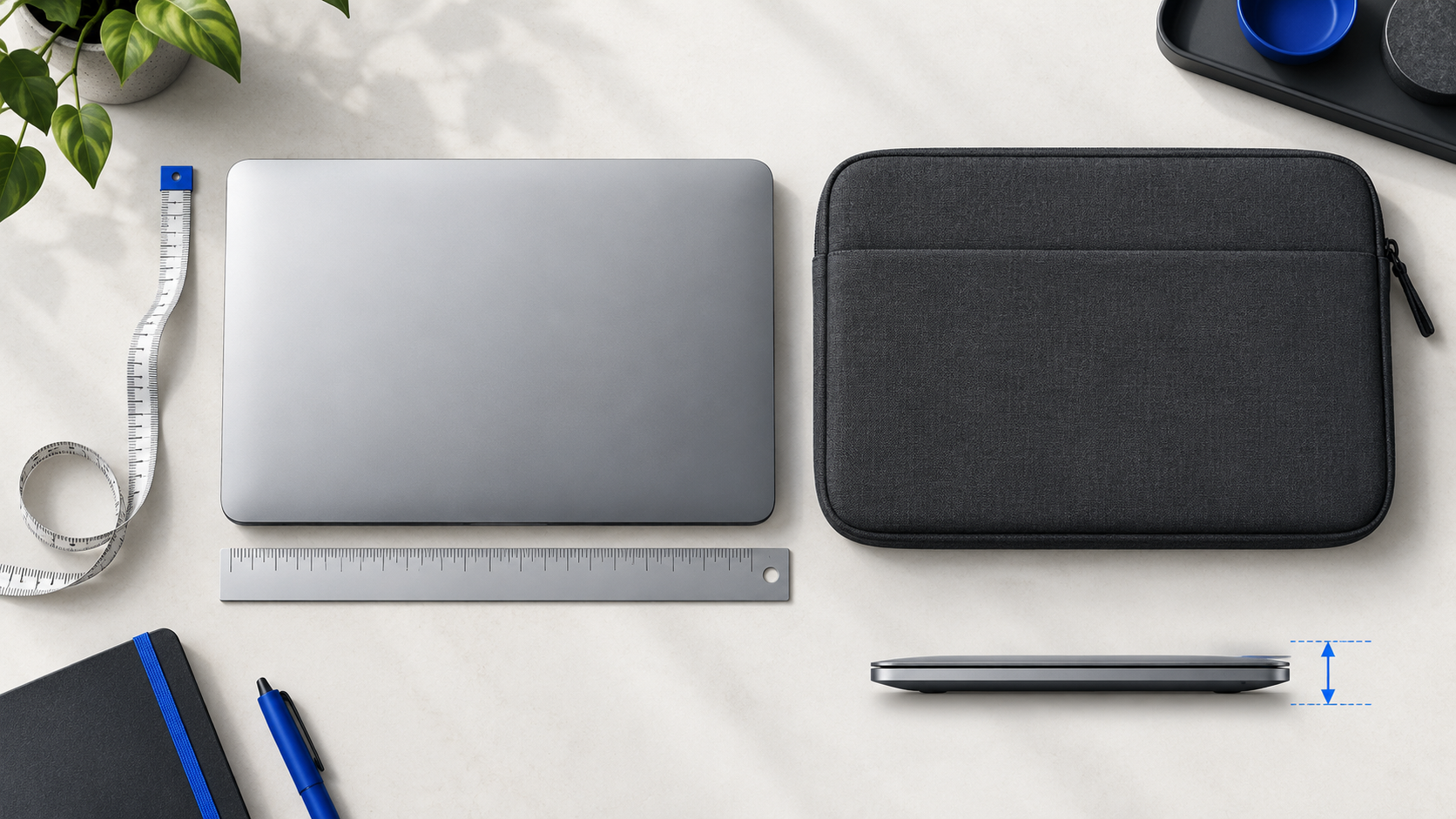
AI-generated editorial illustration; not a photograph of a specific DeskBoost product or an included bundle.
To choose a laptop sleeve or bag, compare your laptop’s closed width, depth and thickness with the usable internal compartment and opening. A matching screen-size label is only a starting point.
A 14-inch laptop and a 14-inch sleeve can still be a poor match. Screen diagonal does not describe the complete computer body, and a hard case changes the dimensions you need to fit. This guide helps you turn a size label into a specific question you can answer before ordering.
Write down exactly what will go inside
Start with the model name and the closed device. Will you carry it with a hard shell attached? Will a sleeve sit inside another bag? Do you need the compartment to take a tablet as well? Measure the arrangement you intend to use, rather than planning around the bare laptop if that is not how you carry it.
Keep chargers and other hard accessories out of the laptop compartment unless that compartment is designed for them. A bag having room overall does not establish that its laptop section has the same usable space.
Take three body measurements
- Width: measure across the closed laptop at its widest point.
- Depth: measure front to back, including a hinge or other fixed projection that changes the footprint.
- Thickness: measure the thickest part of the closed device, including an attached case.
Record all measurements in the same unit. Millimetres are convenient for comparing small differences. Divide millimetres by ten for centimetres, or divide centimetres by 2.54 for inches. Avoid rounding down a device measurement to make it match an option.
If the manufacturer publishes body dimensions for the exact model, use those as a cross-check. Do not substitute dimensions for a similar-looking model or the screen’s diagonal measurement.
Ask for usable internal dimensions, not exterior size
The outside of a bag includes its construction and any separate pockets. It is the usable laptop compartment that needs to accommodate your computer. Ask for its internal width, depth and thickness, plus the opening size if the opening is narrower or shaped differently.
Ask whether the measurement describes the interior at rest and whether it includes any intended fit allowance. Do not assume a soft-looking sleeve can stretch by a particular amount. Also check how the closure works around the device: a zipper should not have to be forced over a corner.
A worked comparison
Imagine a laptop with a case measures 32.4 × 22.1 × 2.0 cm. A seller confirms usable internal dimensions of 33.0 × 23.0 × 2.5 cm. The nominal differences are 0.6 cm in width, 0.9 cm in depth and 0.5 cm in thickness.
Those numbers do not automatically prove fit. The opening, corner shape and how the lining is measured still matter. Send the complete measurements to the seller and ask whether the exact device arrangement is suitable. This is an arithmetic example, not a measurement of a DeskBoost sleeve or a recommended universal allowance.
Sleeve or bag: decide how you will carry it
A sleeve can keep the laptop in a separate enclosure within an existing carry routine. A bag is a different format to compare when you want to carry the computer between spaces. If you intend to put a sleeved laptop inside a bag, check the sleeve’s exterior dimensions against the bag’s interior as a second fit check.
DeskBoost’s Laptop Sleeve Case lists size options including 10, 13, 14, 15 and 16 inches. The Laptop Shoulder Bag lists ranges including 13–13.3 and 15.6–16 inches, alongside other options. These are catalogue labels, not universal compatibility statements. Colour availability also depends on the size selected.
Copy this fit request
“My laptop is [exact model]. With its case attached, it measures [width × depth × thickness]. I am considering [product and exact size option]. Please confirm the usable internal dimensions, opening size and whether this device arrangement fits without forcing the closure.”
Add a question about a protection rating only if you need that feature. A photograph or the word “sleeve” does not prove waterproofing, drop protection or a particular padding thickness. The DeskBoost sleeve listing does not establish a specific waterproof or impact-protection rating.
A fit worksheet that produces a decision
Use one row for each candidate, not one row for each advertised screen size. Leave unknown measurements blank until they are confirmed.
| Check | What to record | When to pause the purchase |
|---|---|---|
| Device envelope | Width × depth × thickness with the normal case fitted | You only have the screen diagonal |
| Usable interior | Confirmed dimensions of the laptop compartment | Only exterior bag dimensions are available |
| Entry and closure | Opening dimensions and how the device enters | The opening is unmeasured or the closure must be forced |
| Fit allowance | Seller’s guidance for that construction and device | You are relying on assumed stretch |
| Second enclosure | Sleeve exterior compared with outer bag interior | The bare laptop fits but the sleeved arrangement is unverified |
| Protection requirement | Specific documented feature or rating, if needed | The feature is inferred from a photo or general product name |
Give each candidate one of three outcomes: rule out when a confirmed usable dimension is too small; ask when the necessary evidence is missing; or consider when the geometry and intended arrangement have been confirmed. “Consider” still does not certify a protective rating.
Three common mismatch scenarios
The screen label matches but the thick case does not. Re-measure the actual carry arrangement. Do not solve an unknown fit by simply moving to the next labelled screen size; compare its confirmed internal measurements.
The laptop fits flat, but not through the opening. A compartment’s maximum dimensions do not describe every entry angle. Ask about the opening rather than assuming the body can be pushed through it.
The sleeve fits the laptop but crowds the outer bag. Repeat the measurement at the next boundary: sleeve exterior to bag interior. Separate storage for chargers matters here because spare space beside a laptop is not automatically an accessory pocket.
These are illustrative failure scenarios, not reported experiences with DeskBoost products. Their purpose is to identify the question you need answered, so a return is not your first fit test.
Before ordering
- Exact laptop model and three closed-body dimensions recorded.
- Attached case included in the measurements.
- Usable compartment and opening checked for the selected option.
- Nested sleeve-and-bag fit checked, if applicable.
- Size and colour selected together.
- Any essential protection feature confirmed in writing.
Ask DeskBoost about an unresolved fit detail before choosing a size. If your question cannot be answered from the listing, keep it open rather than treating a matching inch label as confirmation.
Prepared for DeskBoost with AI assistance. Product information checked against the DeskBoost catalogue on October 28, 2026. This is a planning guide, not a hands-on product test. Check the selected variant and any essential specifications before ordering.