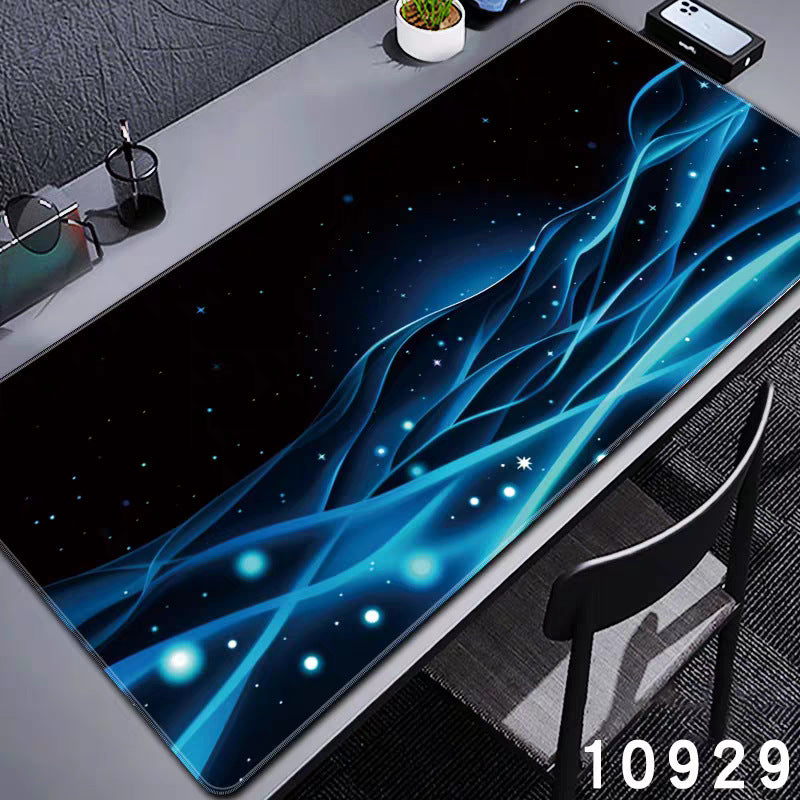
Desk Mat Size Guide: Measure Before You Choose
Choose a desk mat by its footprint and your working layout. The most useful size is the one that fits your keyboard and mouse while leaving room for the other t
Read guide ↗
Practical guides for building a laptop workspace around your device, your desk and your routine.
Content restored from the November 6, 2026 store snapshot. This browsing-only preview does not accept orders or payments.
Choose a desk mat by its footprint and your working layout. The most useful size is the one that fits your keyboard and mouse while leaving room for the other t
Read guide ↗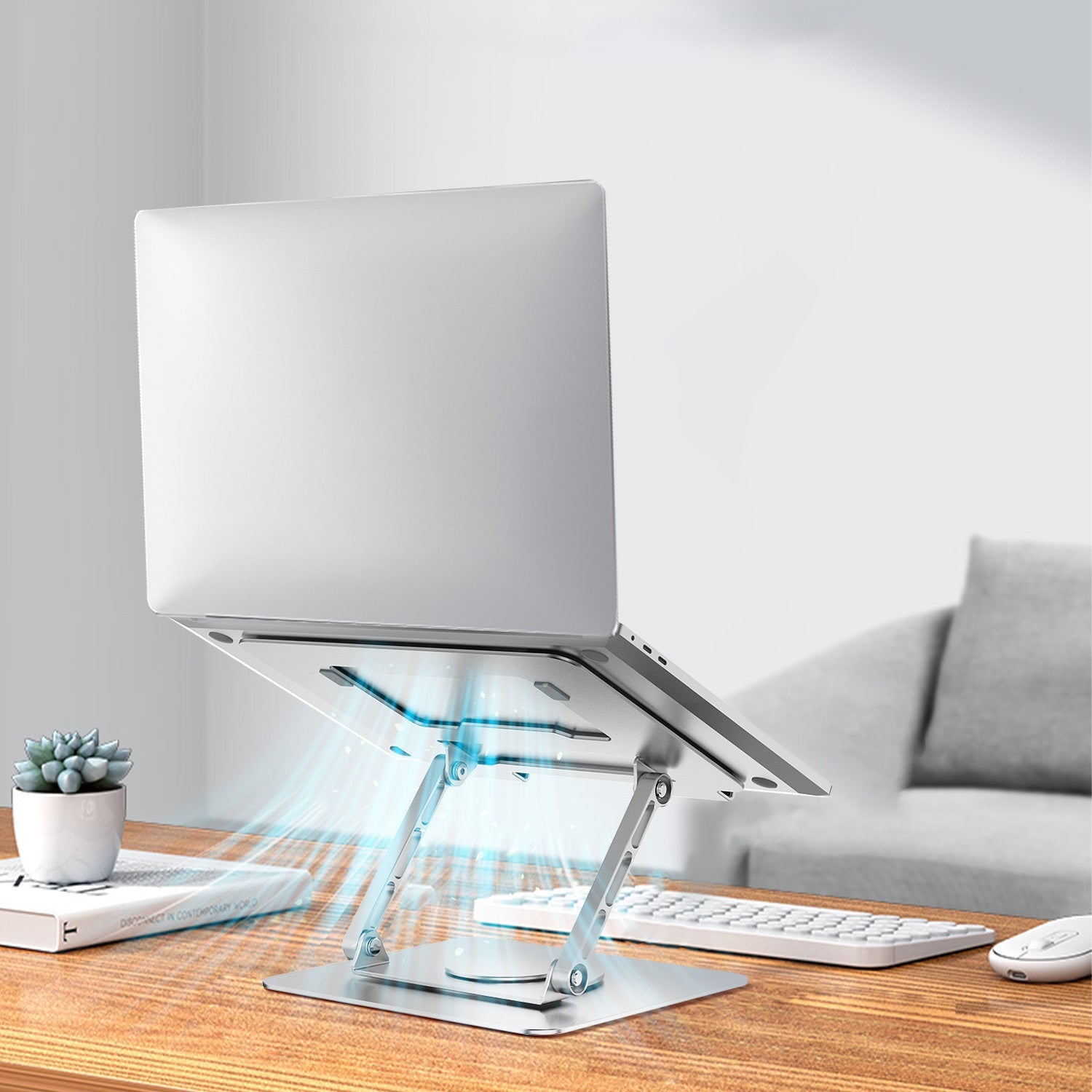
Start with laptop fit, the space available and whether you use a separate keyboard. Then compare a rotating, adjustable, folding or compact-riser design.
Read guide ↗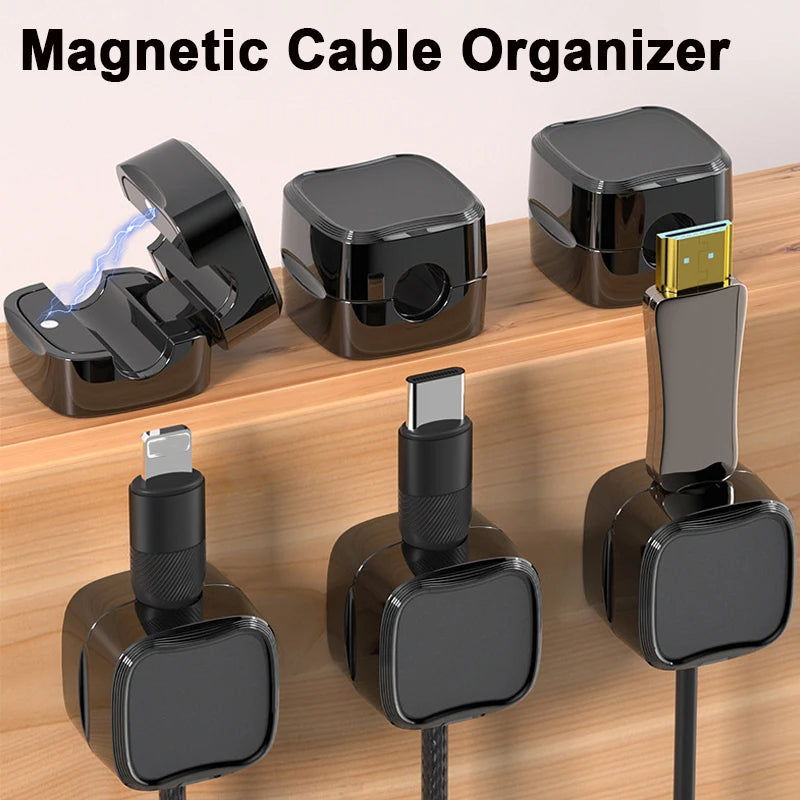
Choose cable management by where the problem happens: loose cable ends on the desktop, several leads along an edge, or cable routing underneath. One accessory d
Read guide ↗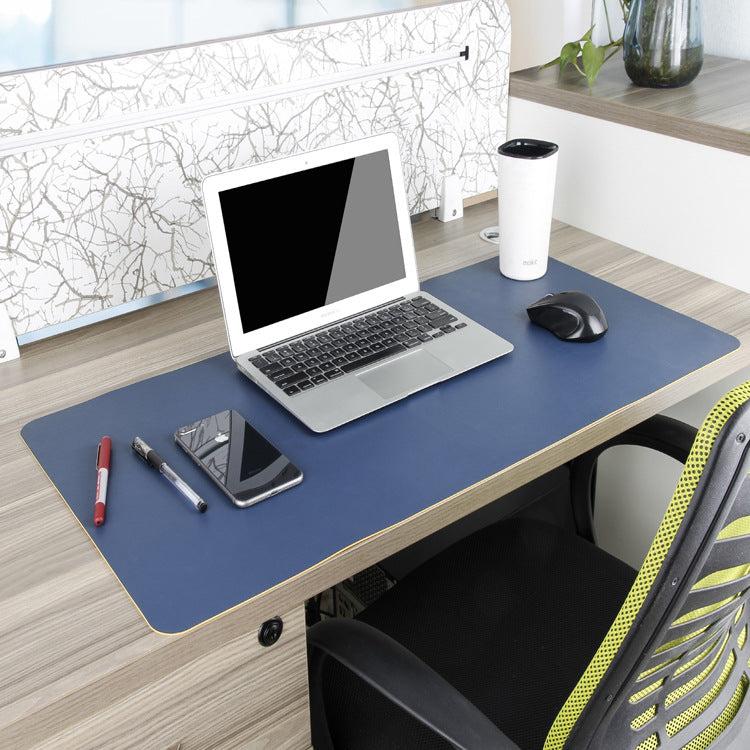
Build a compact desk around the work you already do. Place the laptop, typing area and mouse first, then add only the accessories that solve a specific space pr
Read guide ↗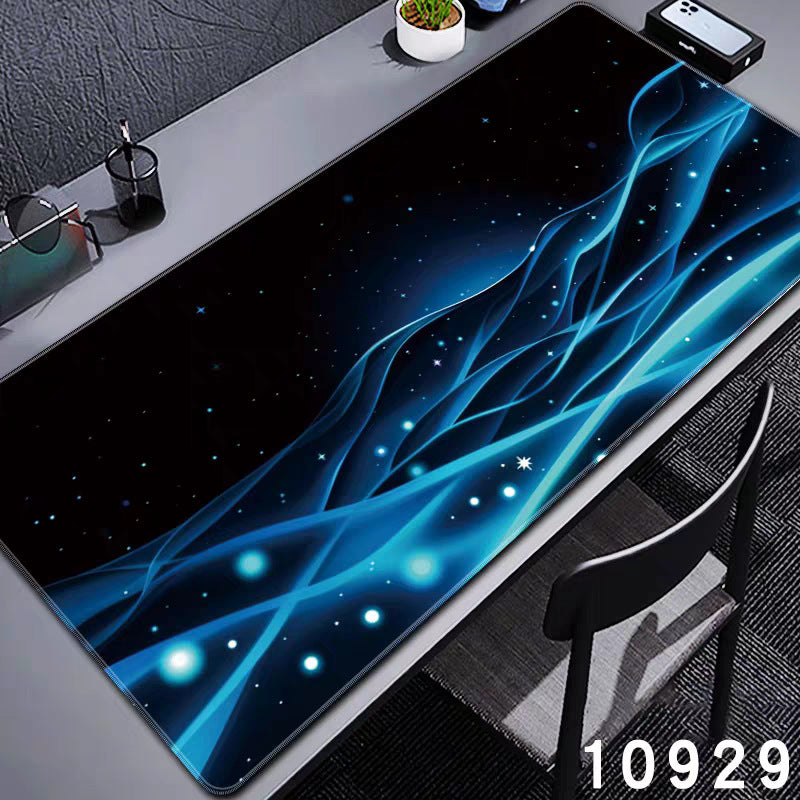
Compare mat widths on 80, 90 and 100 cm desks, calculate side clearance, and check depth before choosing a size.
Read guide ↗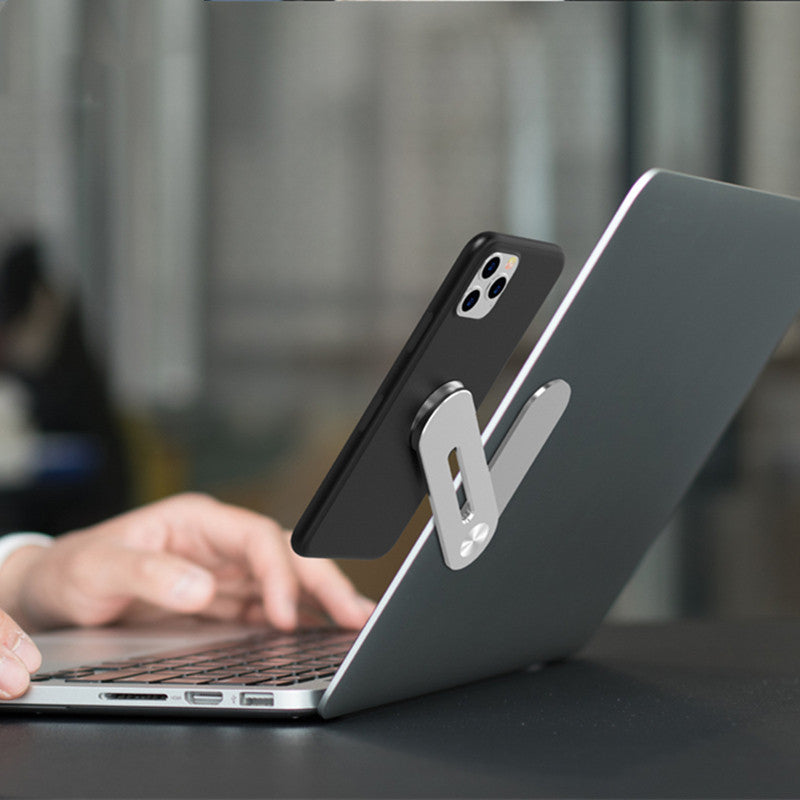
Compare a small rear lift with a raised laptop workstation, including keyboard space, fit checks and a travel packing checklist.
Read guide ↗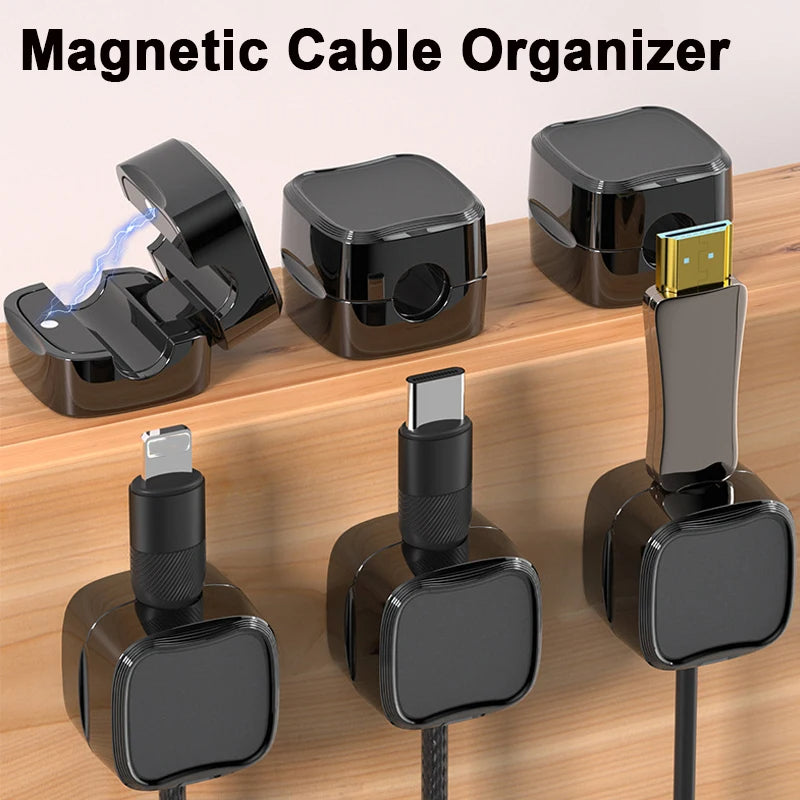
Compare adhesive, clamp and freestanding cable-management approaches, check desk compatibility, and keep everyday cables accessible.
Read guide ↗Reset your laptop workspace with a practical weekly checklist: clear accumulated items, restore the tools you use, check cable access and prepare the next sessi
Read guide ↗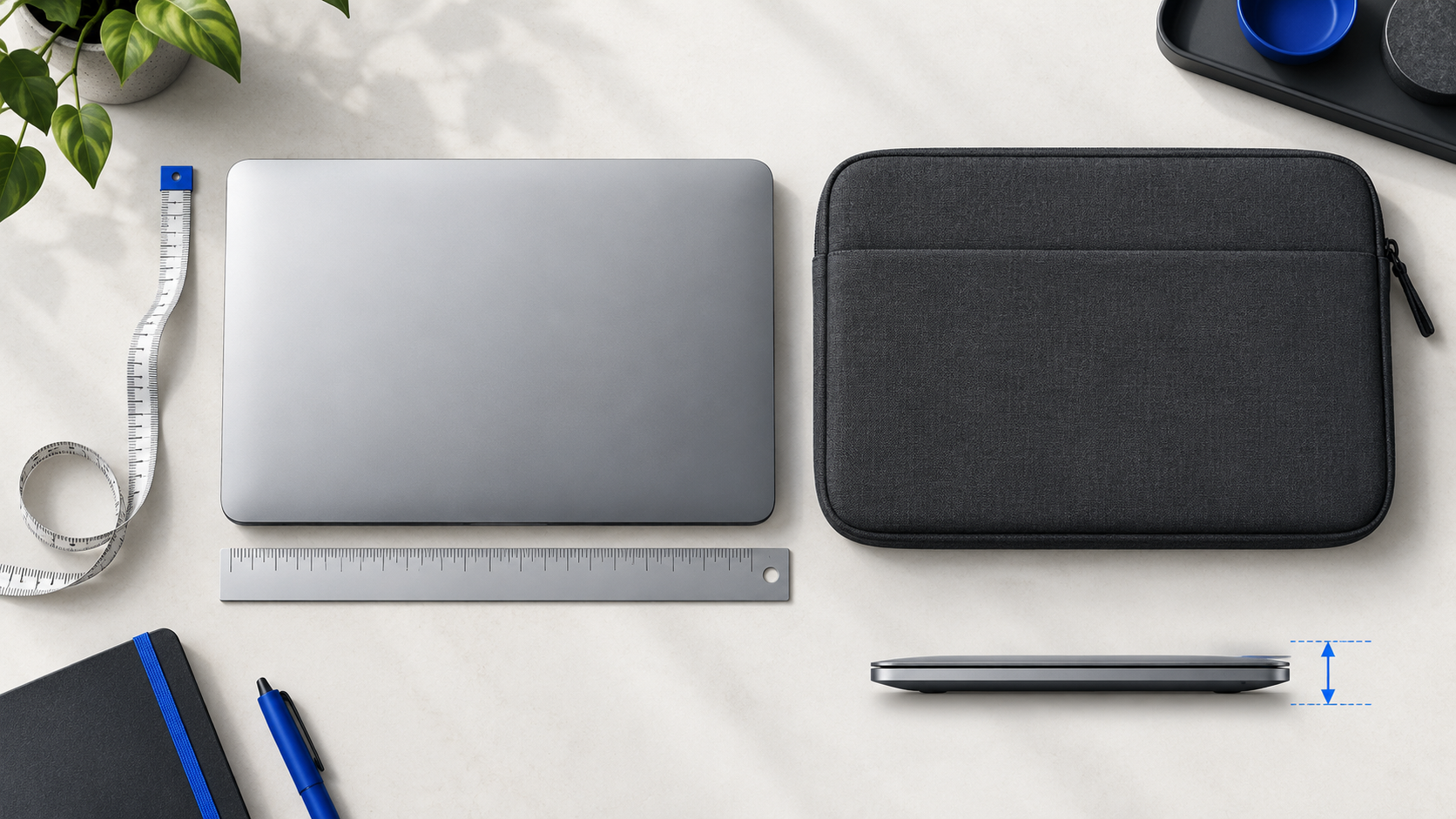
Check laptop body dimensions, the usable opening and any extra case before choosing a sleeve or bag. Includes a fit worksheet and worked example.
Read guide ↗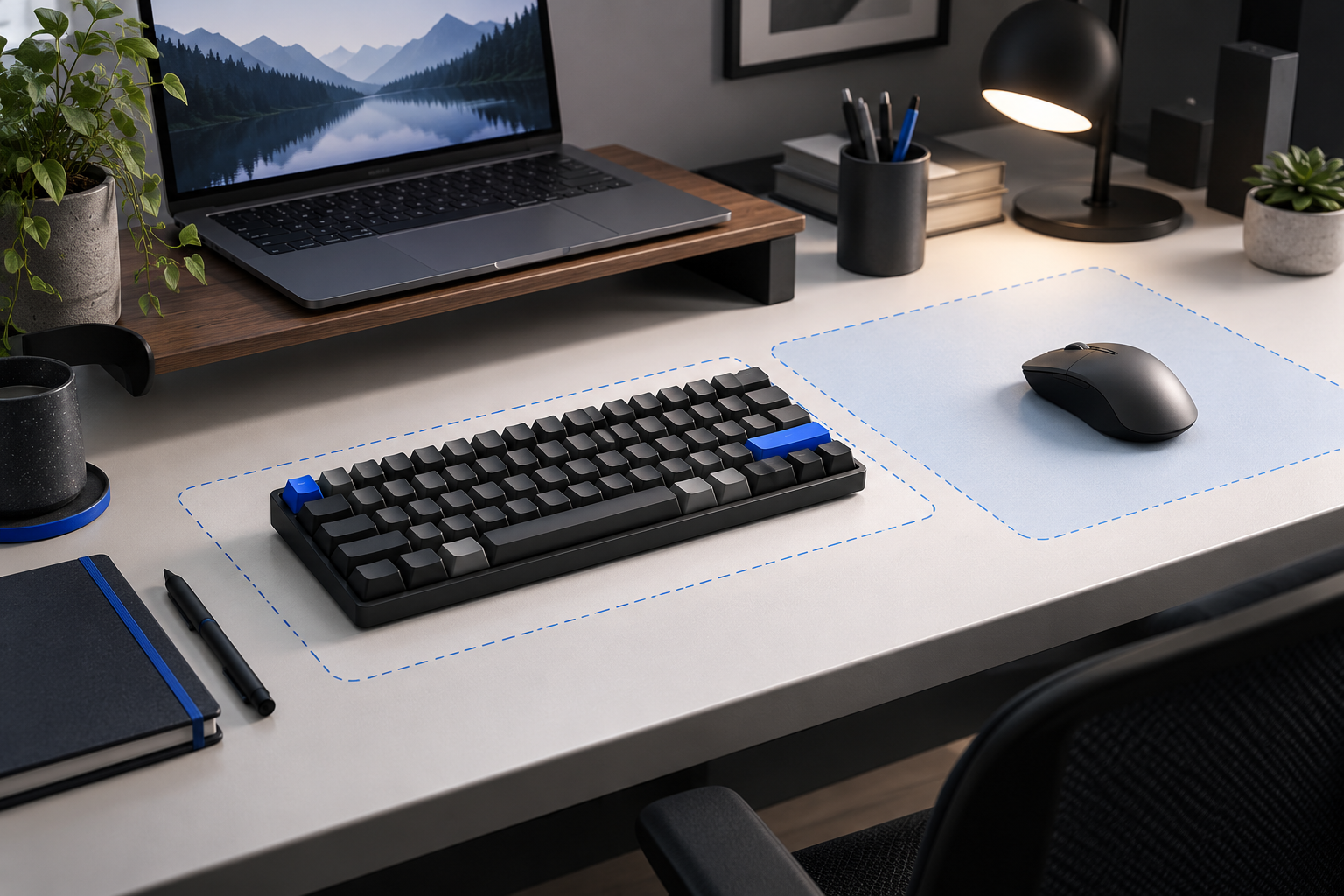
Choose a compact keyboard around the keys you use, connection requirements and actual desk space. Check variants and package contents before buying.
Read guide ↗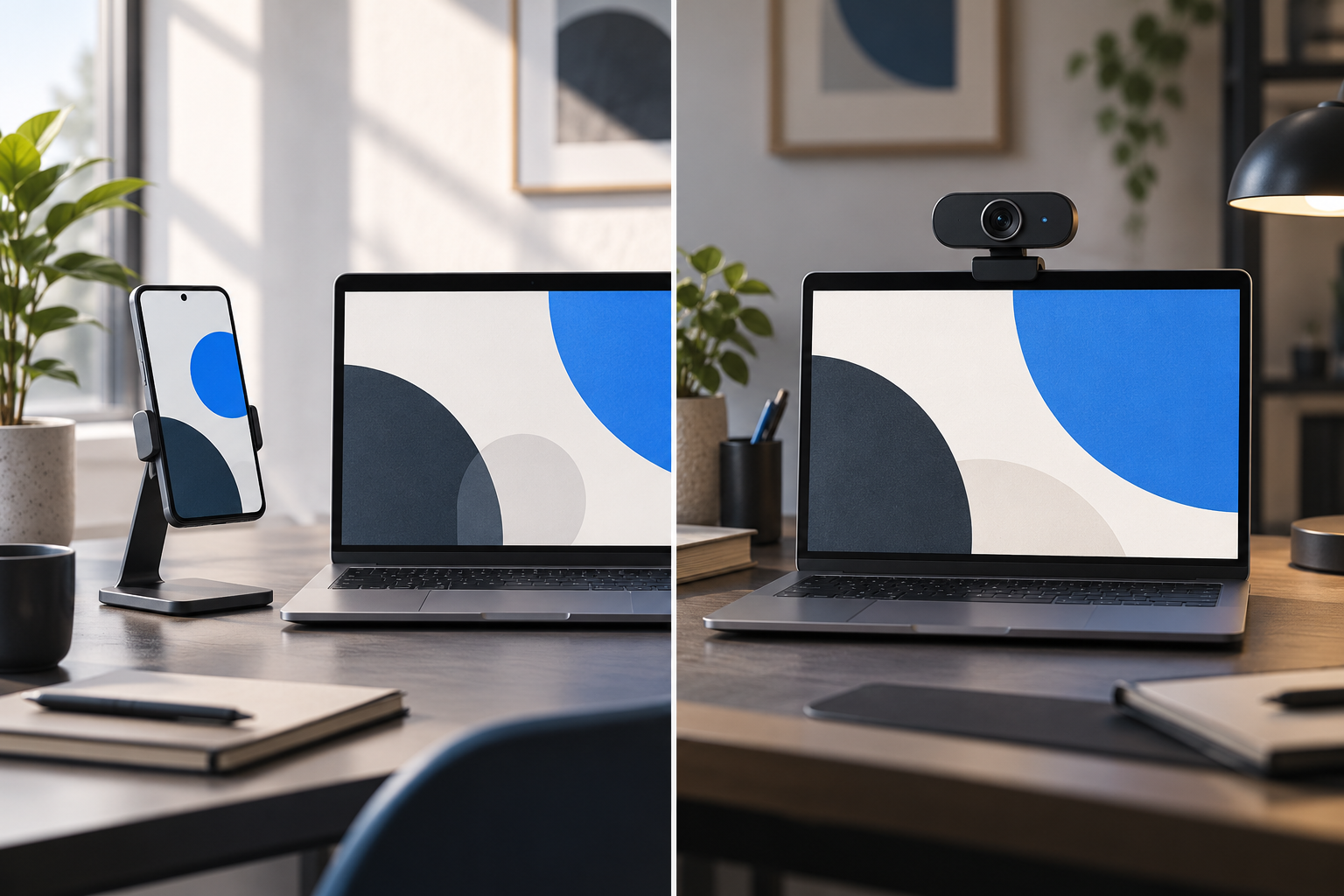
Compare a supported phone and an external webcam for desk calls. Check framing, software, audio and mounting before adding equipment.
Read guide ↗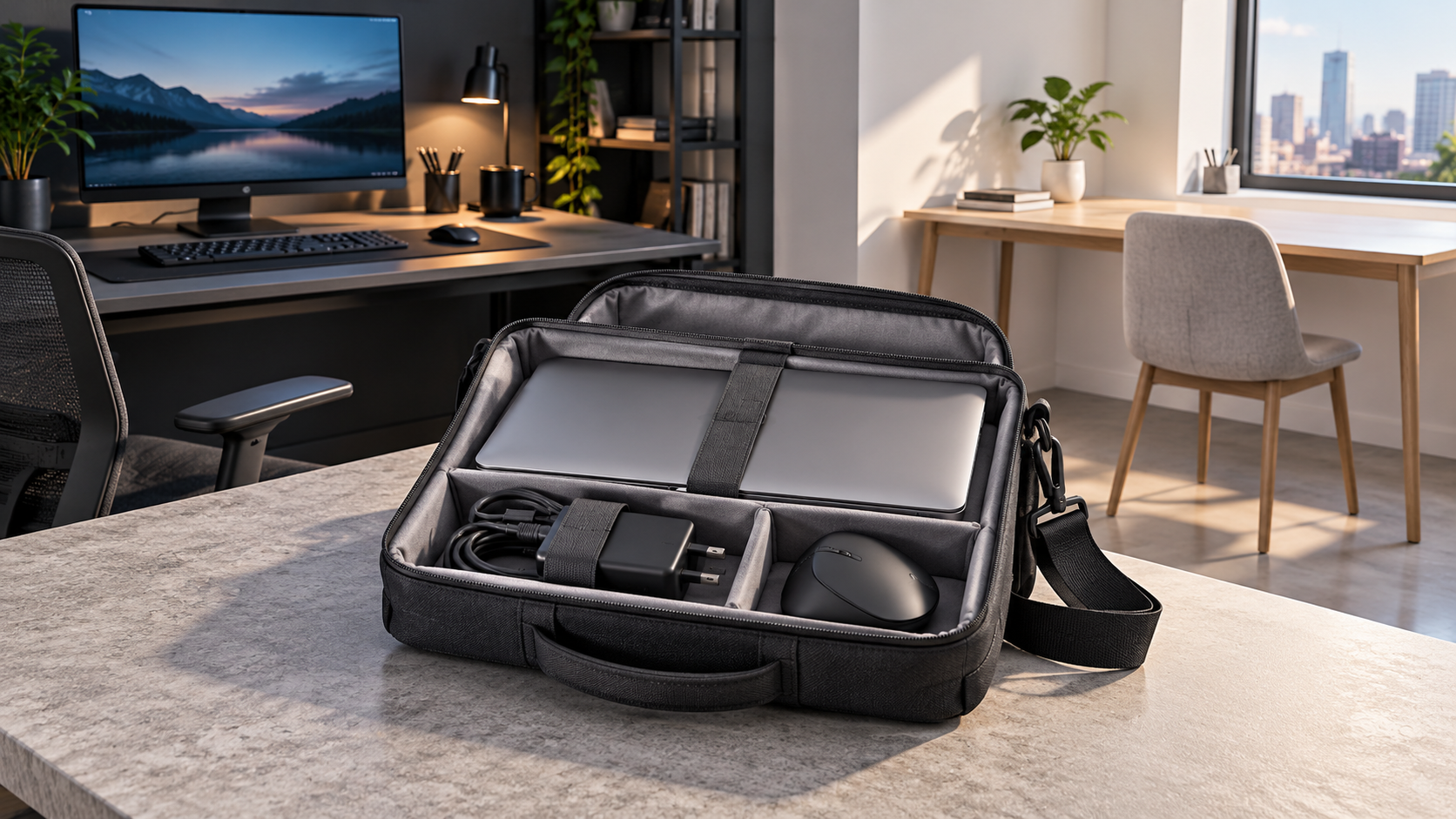
Build a practical laptop carry list for moving between two desks. Separate shared equipment from daily essentials and test the complete unpack-and-pack routine.
Read guide ↗